 miwayomi
miwayomi.
A self-contained server that runs Aniyomi/Tachiyomi-format catalog extensions on the JVM — no Android, no emulator, no cloud.
What it is
⚙️ Execution engine
Loads extensions in the Tachiyomi/Aniyomi format and exposes their sources through a clean REST API and a web UI.
📱 No Android
A crafted shim (android-compat) makes extensions believe an Android runtime exists — on a plain JVM.
🪶 Lightweight
A single java process, ~160–170 MB RSS at rest. Comfortable on a 4 GB VPS.
🎬 Full playback
HLS, DASH and direct MP4/WebM through a chunked, memory-neutral streaming proxy.
🗄️ Persistence
Cookies, resolved Cloudflare hosts, favorites and reading progress in SQLite.
🌐 Multilingual UI
One JSON file per language — add a file to add a language.
Interface preview
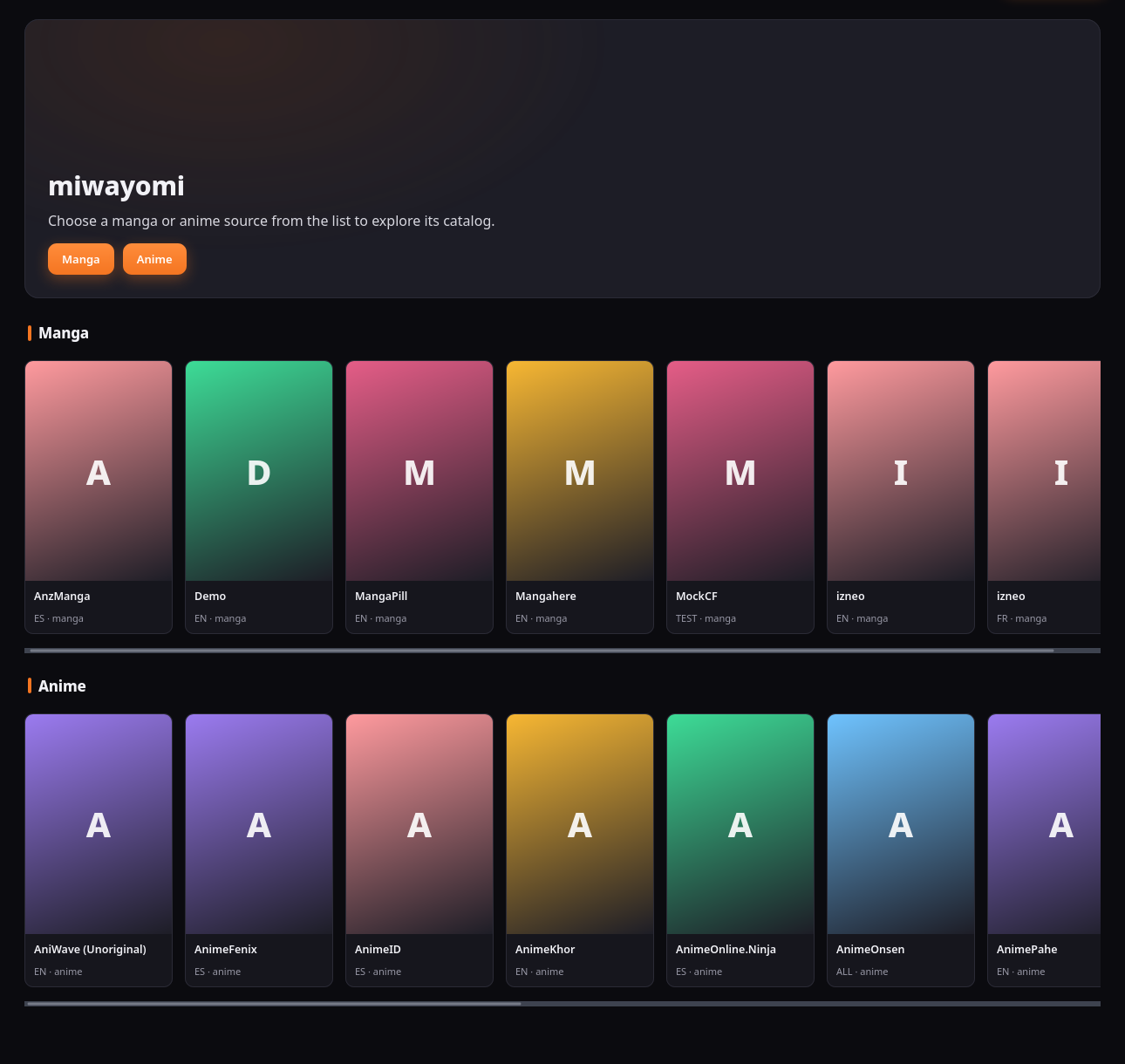
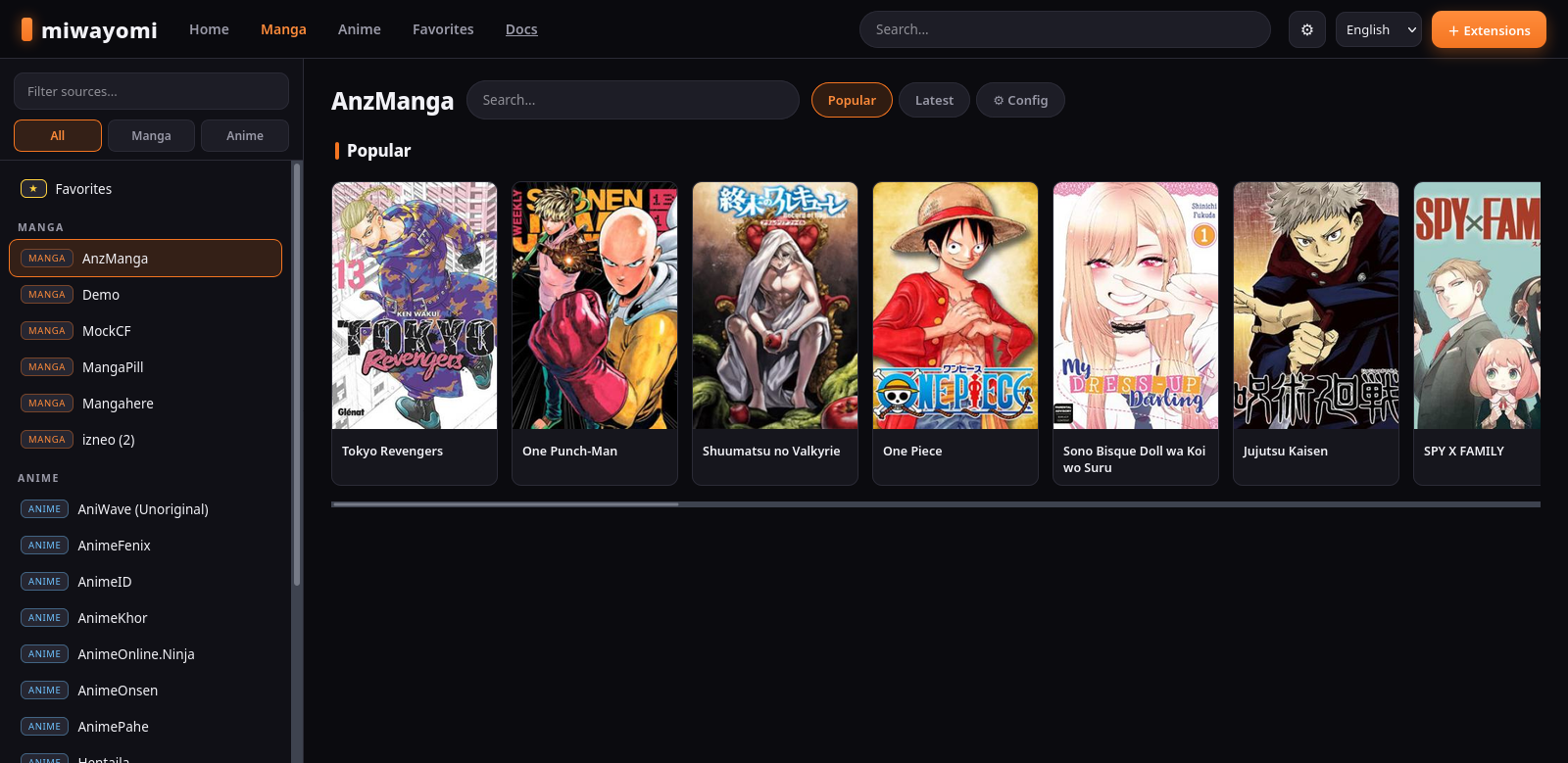
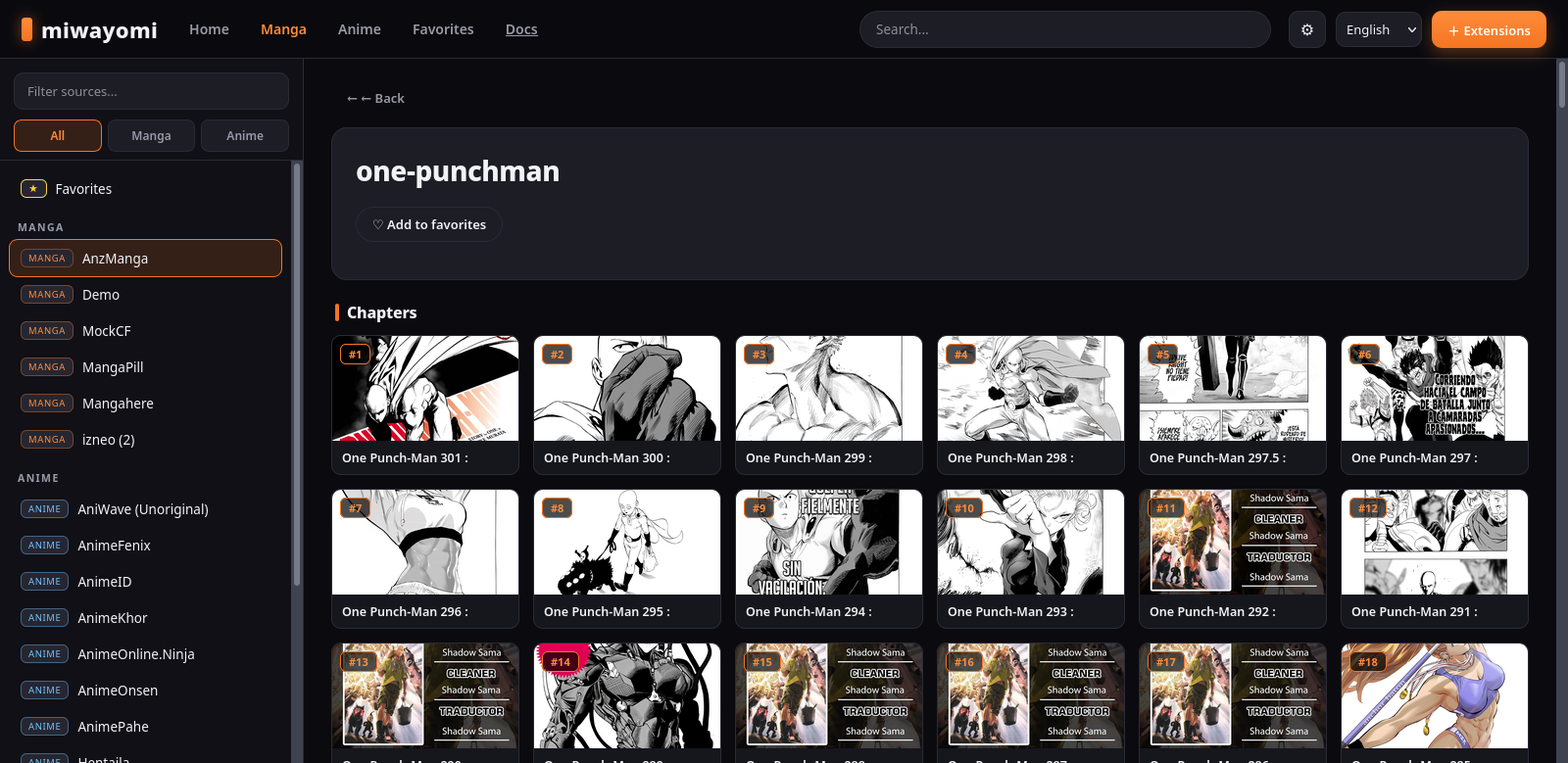
Download
🖥️ Windows installer
Native setup — Start Menu & desktop shortcut. Optionally bundles a JRE for a fully standalone install.
🐧 🍎 Runnable JAR — any OS
One cross-platform file; you only need JDK 21.
The JAR ships no extensions or content — you install sources from the web UI.
All releases on GitHub. The app auto-updates — it downloads new releases and applies them on restart.
Run it
Any OS — one command
java -jar miwayomi-all.jar
It picks a free port, starts, and opens your default browser.
Desktop app window (recommended)
./miwayomi # macOS / Linux
miwayomi.bat # Windows
Opens a dedicated Chrome/Edge --app window and stops the server when you close it.
Force a specific port with --port 4567; use --no-open for headless/server use. Open http://localhost:4567 once running.
FlareSolverr is enabled by default at http://127.0.0.1:8191; if it is not running, sources behind a Cloudflare challenge fail with a clear error telling you to configure FlareSolverr.
Full build, run, and extension guides are in the documentation.